Guide · 7 min read · Updated August 29, 2026
How to Make an Ancient Humans Video by Cloning a Style That Already Works
A 2D ancient humans video is one of the few faceless formats where a brand new channel can still beat everybody, because the topic is free and the look does all the work. A channel sitting at four thousand subscribers dropped one and cleared 110,000 views in six days. The look is the part everyone gets wrong, so this guide skips the guessing: point at a 2D animated history video that already proved itself, turn its look into a reusable template, and let Calliope shoot yours.
What you need
- A free Calliope account at https://calliopelabs.co
- One reference: the YouTube URL of an ancient humans video that is working right now
- Or 5 to 7 screenshots of the look, if you already have your own character
- A topic for your first video, or the willingness to let the agent propose one
- Nothing else. No illustrator, no animator, no editing suite.
1. Pick the video you want to look like
Do not describe a style in your own words, because the model drifts. "Rough 2D lines, earthy palette, prehistoric characters" means five different things to five different systems, and none of them is the video in your head. Point at a 2D animated history video that already proved itself instead: a small channel, one video, big numbers, published days ago.
Age matters more than the count. 110K views in six days is a live format, still being pushed. 110K in two years is a dead one, and cloning it means you are late by twenty-three months. Three numbers tell you everything before you commit:
- Upload age. Filter YouTube for recent uploads. If the video is older than a few weeks, you are reading history, not a signal.
- Views per day. Divide the view count by the days since upload. The reference in this guide was doing over 18,000 views a day. That is the metric, not the raw total.
- Channel size. A small channel with a big video means the format carried it, not the subscriber base. A big channel with a big video tells you nothing you can reuse.
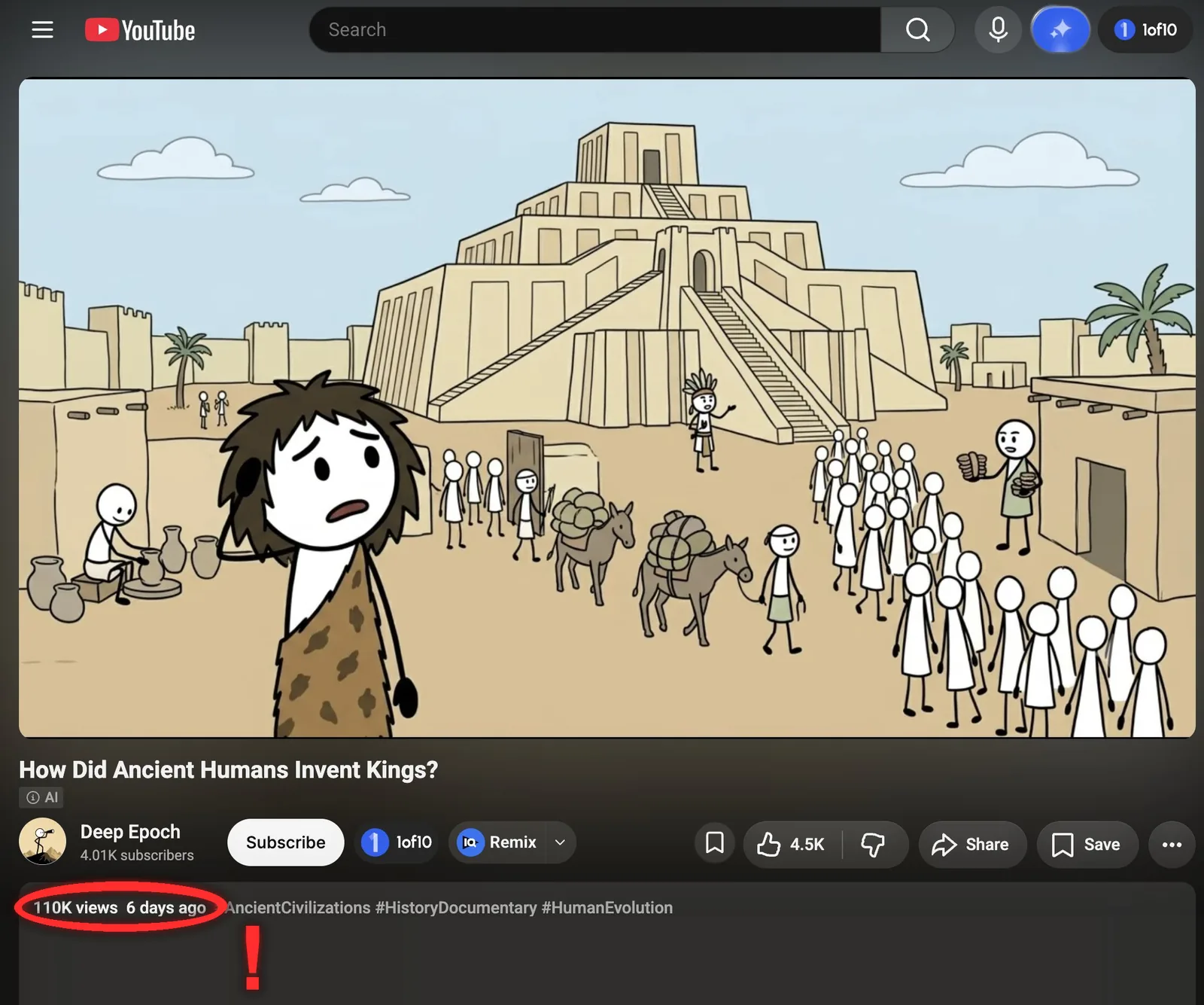
When you have your outlier, open it, hit Share, and copy the link. Any YouTube link format works. That single URL is everything Calliope needs in step 2.
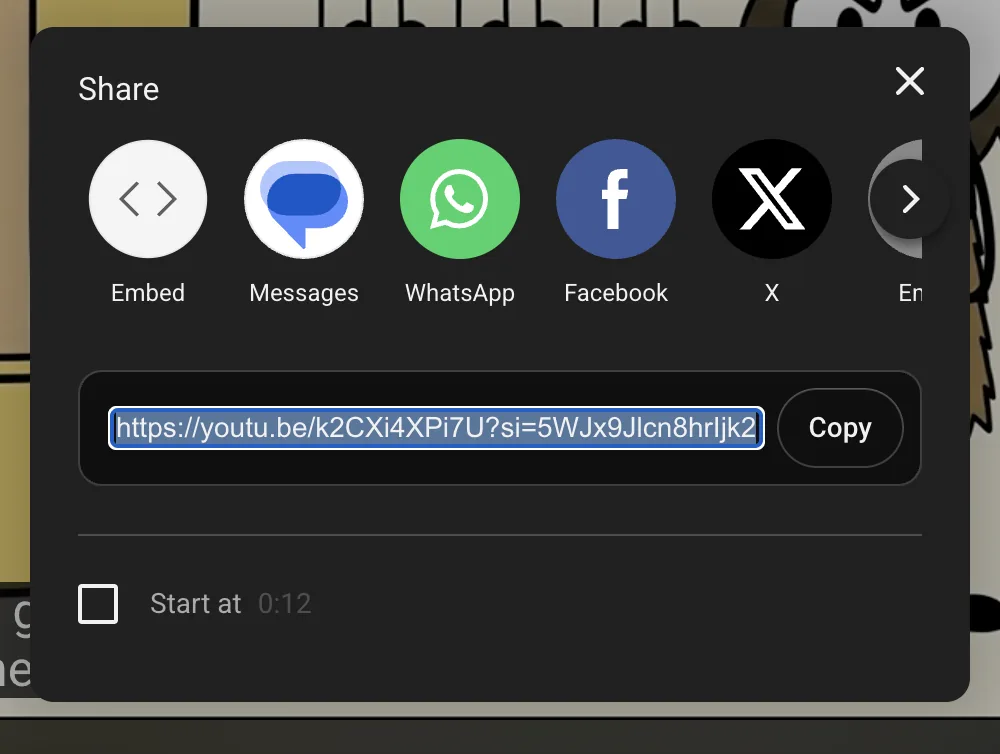
Why this matters. You are not copying the video, you are copying the visual system: line weight, palette, how characters are built. That system is reusable across a hundred topics. The script never is.
Be clear about what you are doing here. You are cloning a visual system, the same way every channel in a niche shares a look, and you are writing your own script, your own narration and your own shots on top of it. You are not republishing someone else's video, and you should never reuse their footage, their voice track or their exact topic order.
2. Turn the style into a template
Two ways in, same result: a look you can reuse forever. The template gets saved, so video 2 and video 100 come out of the same visual system without you touching a single setting again.
- Paste the URL into Calliope and run Extract style. It watches the video, writes the style prompt and pulls the reference frames for you.
- Or hand the agent 5 to 7 screenshots of the look and ask it to build the template. Slower, and clearly better if you already have your own character or you want the style pinned exactly.
- Set the quality: animated on, voiceover on, video Medium and image Extra High.
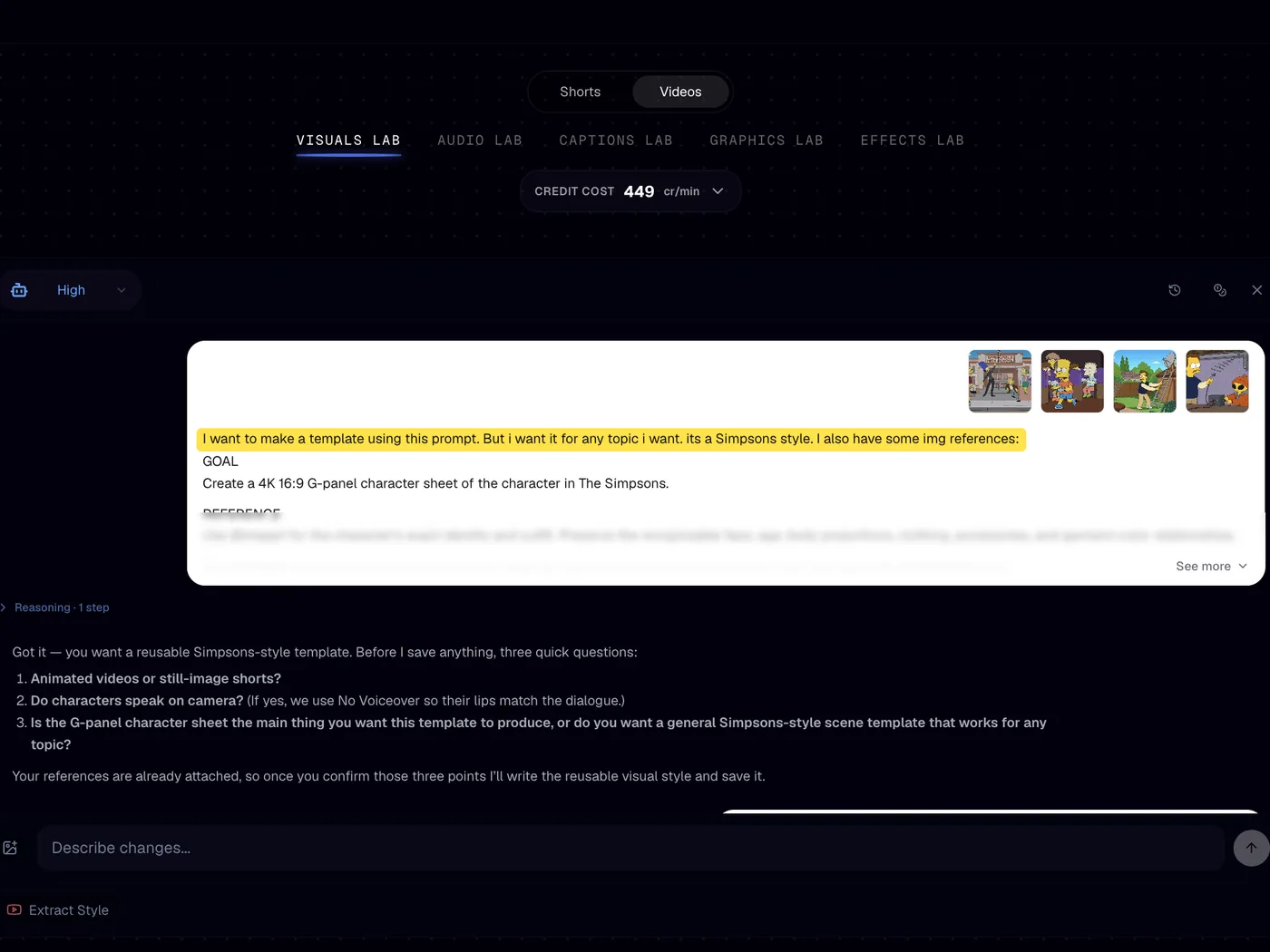
The screenshot route is the one people skip and then regret. Take it when you already have a character you want to keep, when the reference video mixes two or three looks across its runtime, or when the thing you actually want is one specific frame rather than the average of the whole video. You are handing the agent exactly the frames you chose, so nothing gets diluted. Extract style wins on speed and on references that are visually consistent end to end, which most single-creator ancient humans videos are.
Whichever route you take, the result lands in the same place: the style prompt on the left, the Visual References on the right. Every Project Template in Calliope has the same two halves, so once you can read one you can read all of them.
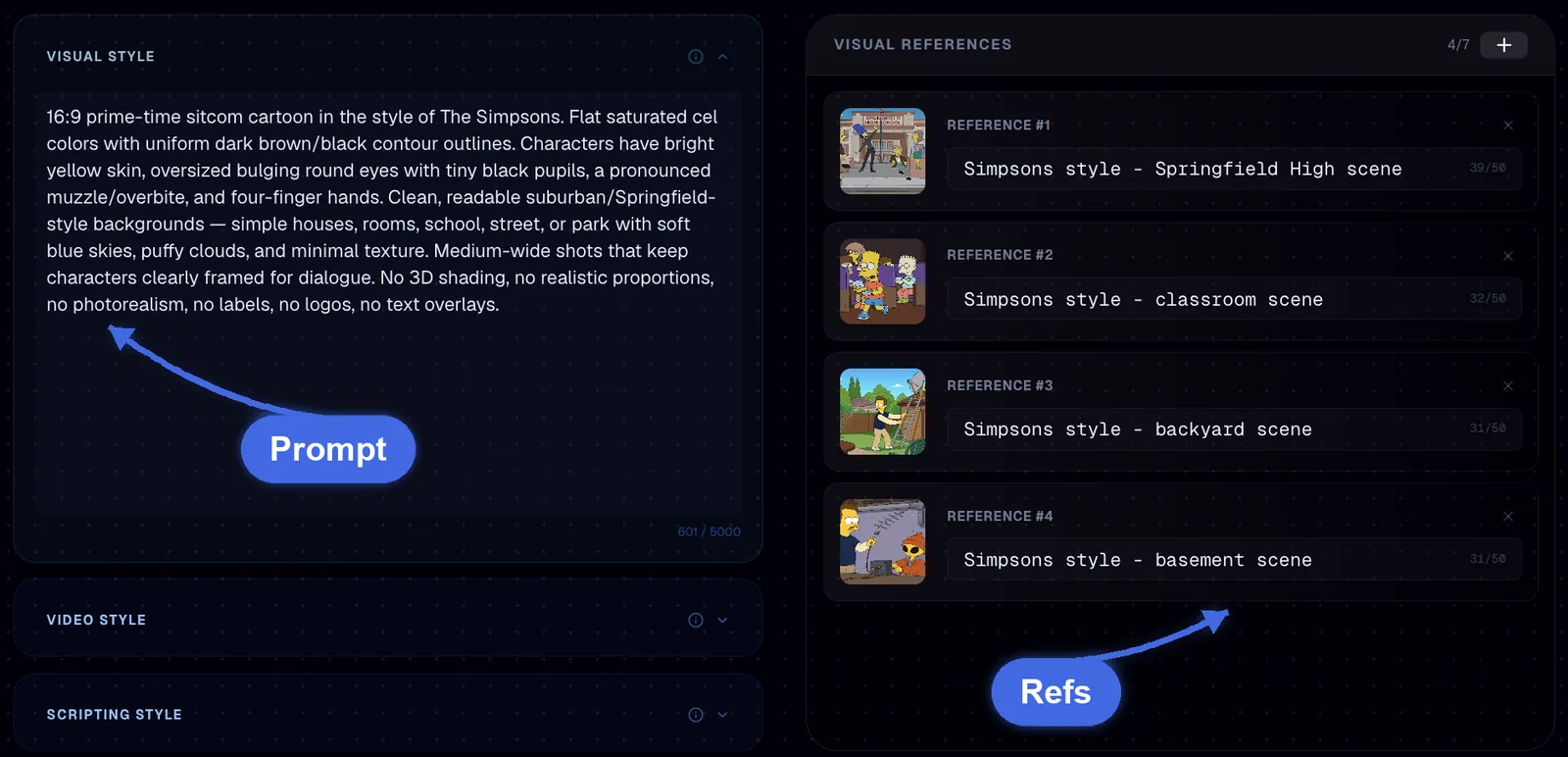
The quality split is deliberate. The images are the look, every frame a viewer judges you on comes out of them, so they run at Extra High. The video setting only moves those frames, and Medium is enough for the slow pans and small gestures this style lives on.
3. Generate the video
Creation Lab does the script, the sheet and the shoot. You approve, it works.
- Open the Creation Lab and hand the agent your idea, or ask it for one.
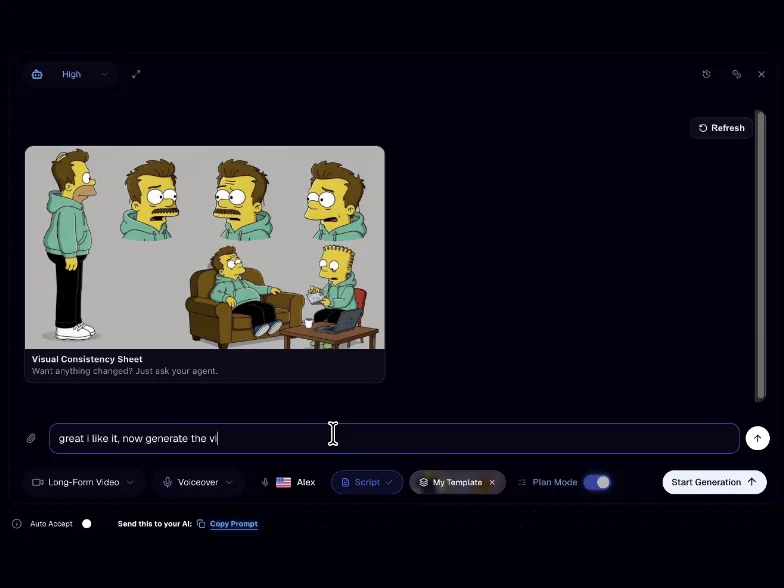
- Let it build the script plus the character reference sheet.
- Hit Start Generation. Done.
The character reference sheet is the step worth slowing down for. It is the same face, body and outfit locked across every shot, which is the difference between a video that looks made by a channel and a video that looks made by a machine. Read it before you approve it: if the character is not the one you want in shot 40, fix it now, not later.
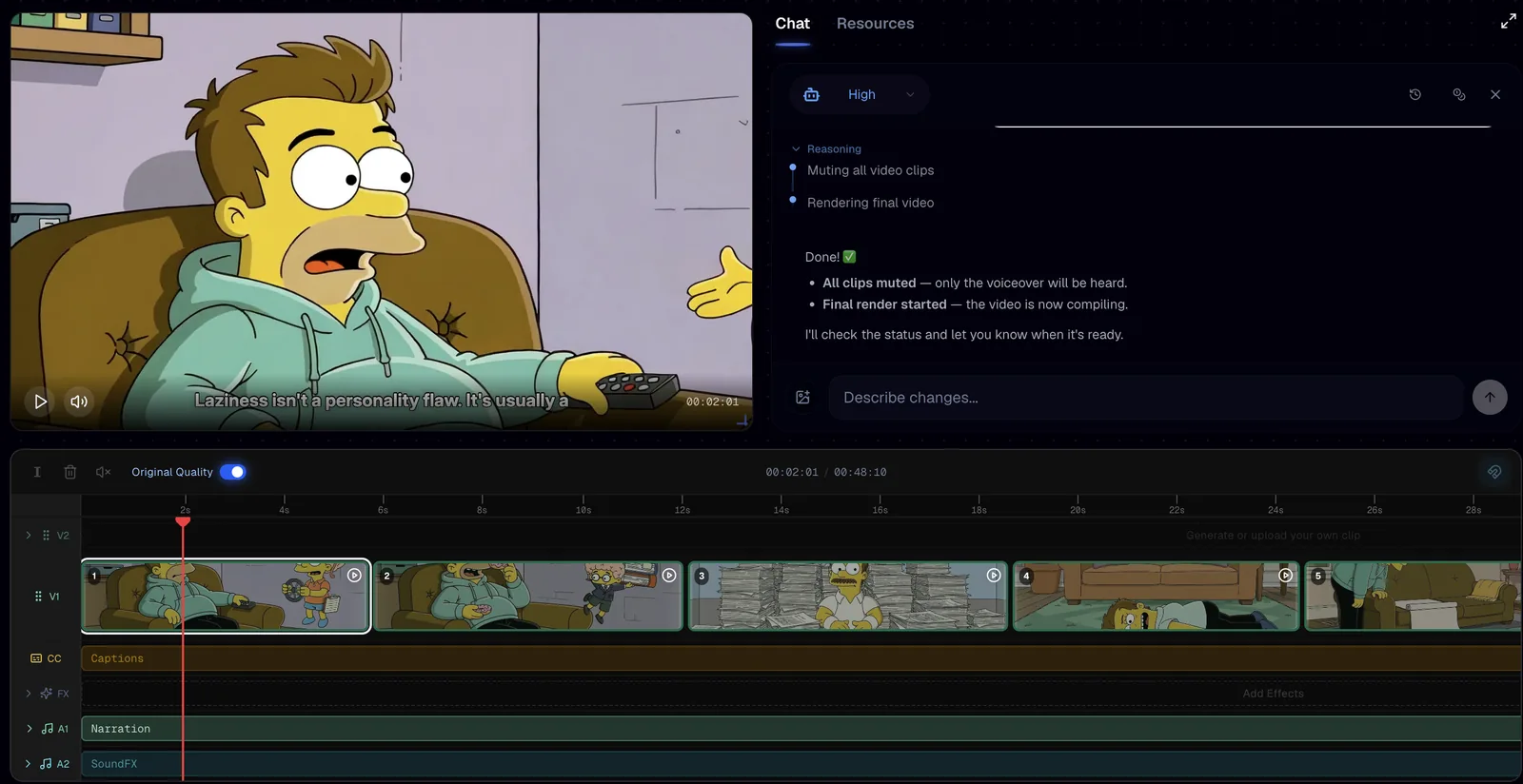
What lands is not a file you have to accept as is. You get clips, captions, narration and SFX on a real timeline, so you can cut a weak shot, retime a beat or regenerate one clip without touching the other forty.
Common mistakes
- Writing the style out in prose instead of pasting a URL, which gets you a generic cartoon rather than the specific look you liked.
- Judging a reference on views alone and cloning a format that peaked two years ago.
- Copying the reference video's topic as well as its look, which puts you head to head with a video the algorithm already promoted.
- Dropping the image setting below Extra High to move faster: the video setting can ride at Medium, the images cannot, because the entire look comes from them.
- Approving the character reference sheet without reading it, then wondering why the character shifts halfway through the video.
FAQ
How do I make a 2D animated history video without drawing anything?
You clone the visual system from a video that already works and let Calliope generate the frames. Paste the reference URL, run Extract style to build the template, then use the Creation Lab to write the script, build the character reference sheet and shoot the clips. No illustration or animation software is involved at any point.
Is it legal to copy a YouTube video style?
You are copying a visual system, not a video: line weight, palette and how characters are built, none of which is the other creator's footage, script or narration. Write your own script and pick your own topic, and never re-upload someone else's clips or voice track. If a specific case worries you, get your own legal read on it rather than guessing.
How do I Extract style from YouTube?
Copy the video URL from the Share panel, paste it into Calliope and run Extract style. It watches the video, writes the style prompt and pulls the reference frames on its own, and the result is saved as a template you can reuse on every future video.
When should I use screenshots instead of Extract style?
Use 5 to 7 screenshots when you already have your own character, or when you want the style pinned exactly rather than averaged across a whole video. It is slower, and clearly better in both of those cases because you choose the exact frames the agent learns from. For a reference that looks consistent from start to finish, the URL route is faster and just as good.
Make your own
Same three steps, any look you want: pick the reference, build the template, hit Start Generation. Head to calliopelabs.co and plan your first video for free.
Take the whole guide with you
Ancient humans guide (PDF, 3 pages). Same content, laid out to print or to keep on your phone while you build.
Keep reading
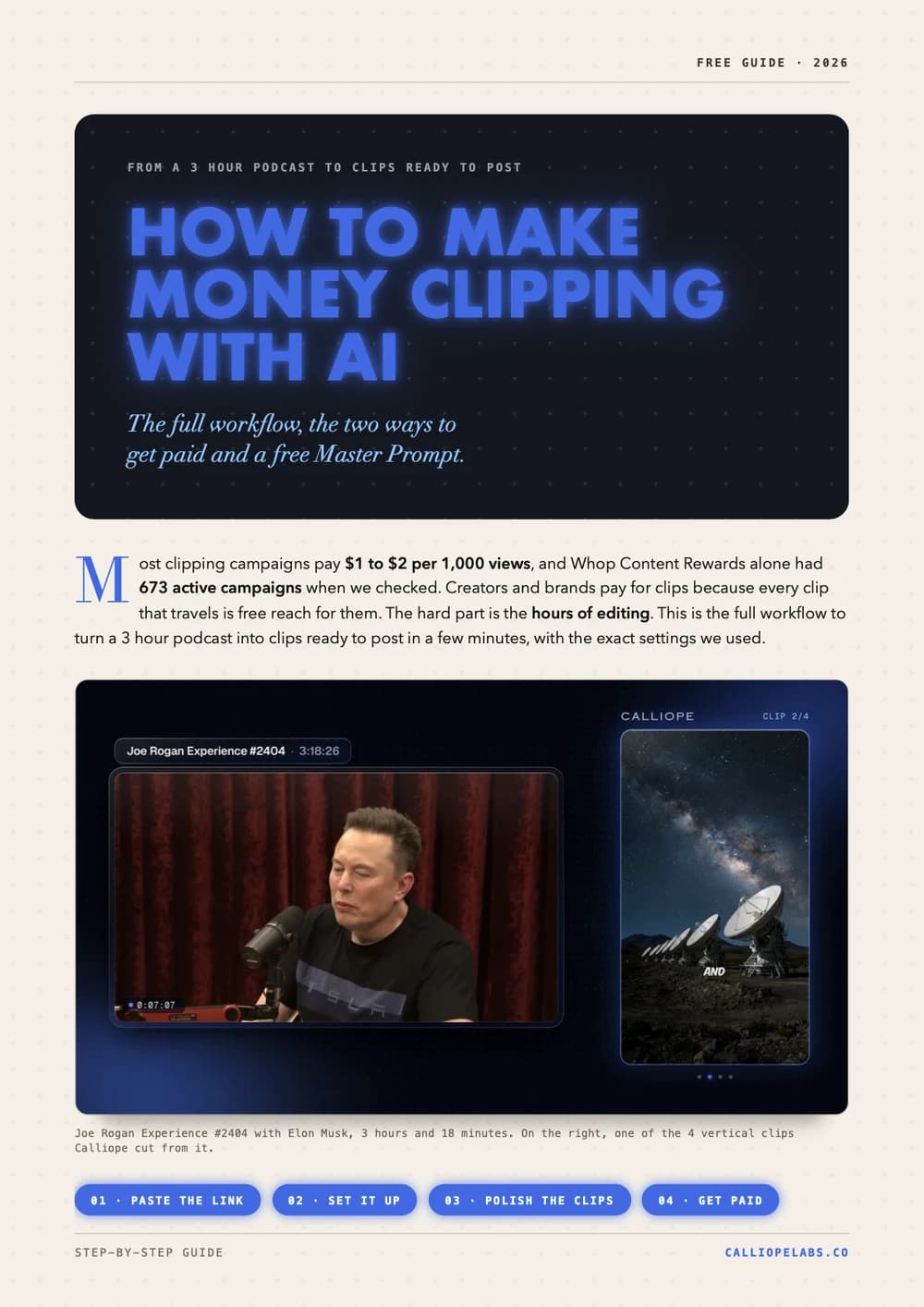
Make money clipping with AI
Turn a 3 hour podcast into vertical clips in minutes, find campaigns that pay $1 to $2 per 1,000 views, and copy a free Master Prompt for AI agents.
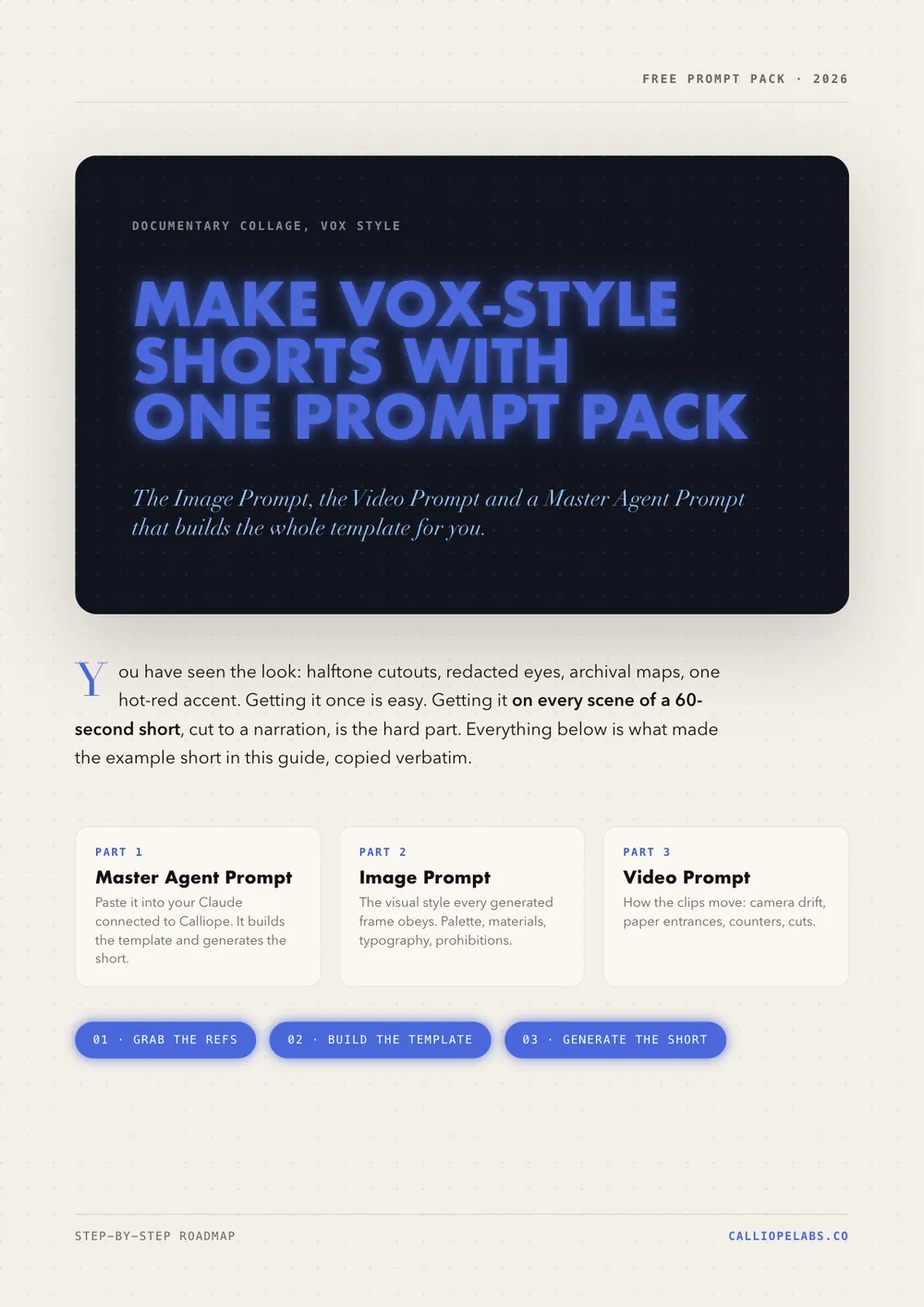
Make Vox style shorts with one prompt pack
The Image Prompt, the Video Prompt and a Master Agent Prompt that build the whole Vox style documentary collage template for you. Copy them verbatim.
Make a 2D viking video
A channel with 878 subscribers cleared 367,000 views in 13 days with one stick figure viking video. Clone the look, write your own script, generate.
Make a Simpsons style video
Lock the cartoon look with a reusable character sheet prompt, turn it into a template, and let Calliope shoot the whole thing.