Guide · 6 min read · Updated November 16, 2026
How to Replicate a Viral Animated Short with Your Own AI Agent (Free Master Prompt)
A channel with 190K subscribers gets tens of millions of views with stickman characters, 3D renders and funny, curious stories. Today you can point your own AI agent at one of those shorts and get a new video in the same style, with a script of your own.
This guide shows the workflow and gives you the master prompt that runs it. The prompt is at the end of this page: jump to the master prompt, copy it, paste it into your Claude or ChatGPT agent and send it one short link.
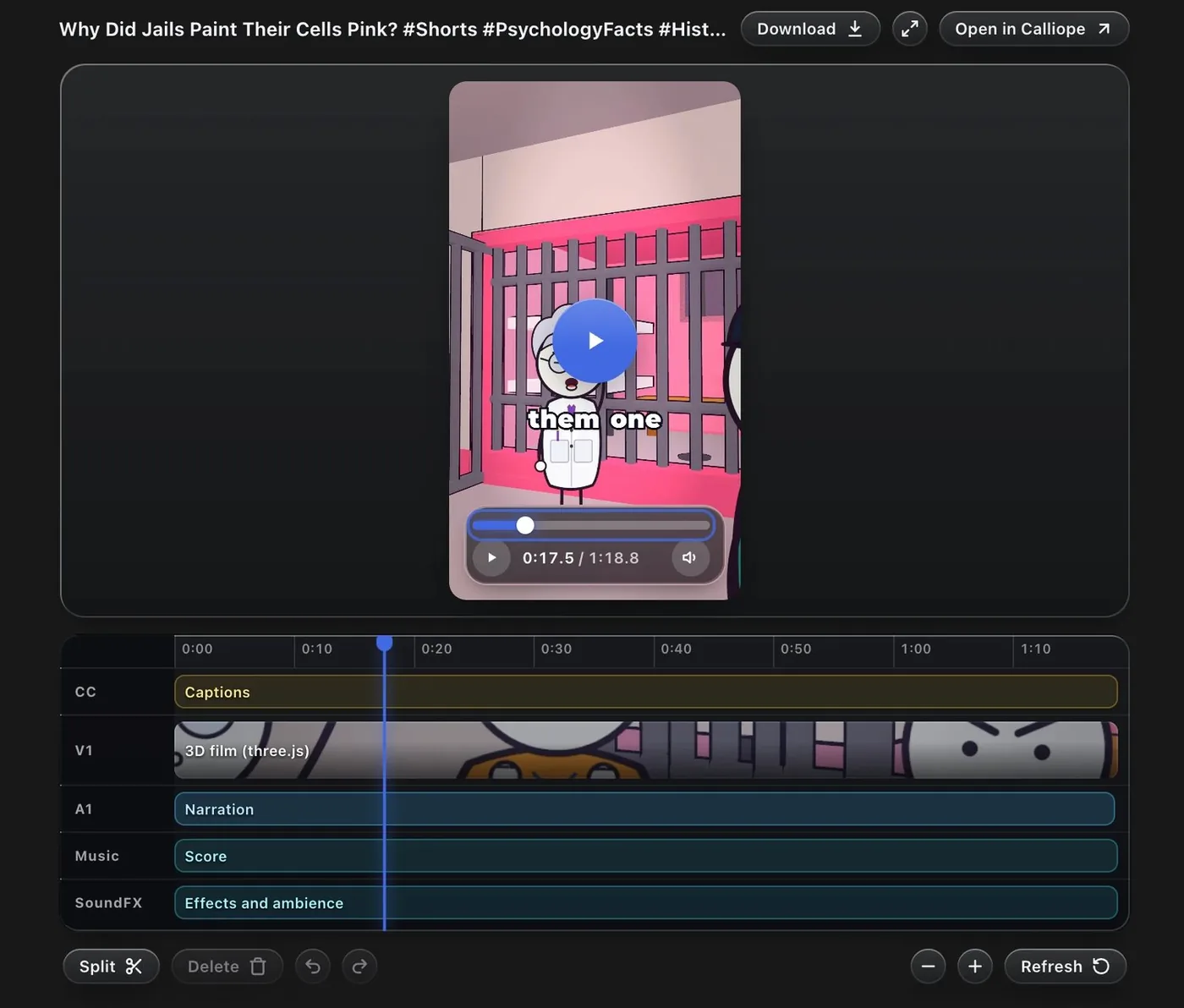
What you need
- An AI agent with a shell or a sandbox: your Claude or ChatGPT
- One link to a short you want to learn from, and a topic of your own
- For the cloud workspace and the GPU: a Calliope account. The prompt also runs without one
1. Send one link and let it study the short
Pick a short that already works: strong views for its channel and a look you can describe. Paste its link into your agent together with the prompt.
Your agent then does what you would do by hand, only faster:
- Downloads the short. With Calliope connected it uses the MCP downloader, which takes public links from YouTube, TikTok, Instagram, X and more. If a download fails, it opens the link in your browser and captures frames instead.
- Transcribes it and builds contact sheets: one image with 24 to 30 timestamped frames, plus 1 second sheets around every cut.
- Writes a style card with numbers: characters, palette, camera, rhythm, subtitles and sound.
2. It builds the video in code, then iterates on a GPU
It writes your new script (same structure and rhythm, new words), shows you the script, the storyboard and the cost, and only then builds. The scenes are three.js code, so every frame is a pure function of time. Then comes the loop that makes it good: render a short mini scene, take screenshots, compare them with the reference frames, change one thing, repeat.
That loop is where a cloud GPU pays off. In Calliope's workspace the agent switches a GPU on only while it iterates. The GPU machine also comes with Blender, PyTorch, OpenCV and ffmpeg ready to use.
The same 30 second three.js scene, rendered twice:
- 22 core CPU: 701 seconds
- Calliope GPU: 48 seconds
Measured by Calliope: about 15 times faster. The GPU speeds up 3D scenes; flat 2D renders gain nothing.
3. Save the style as your own template
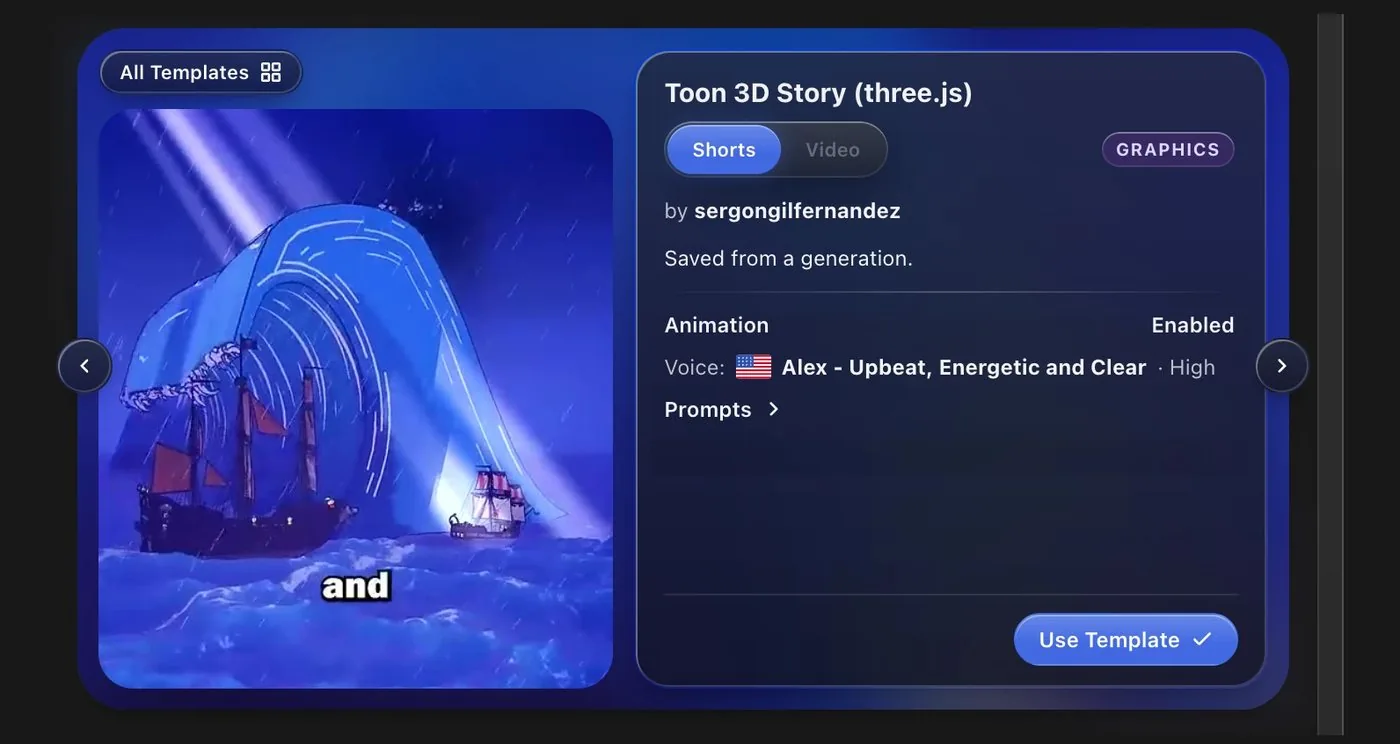
When the first video looks right, ask your agent to save it as a template. The whole project goes with it to your Calliope workspace in the cloud: the scene files, the character and camera code, the settings and the voice. Nothing has to live on your computer, and your agent can keep iterating on it from any session. The next video only needs a new script.
4. Hand the checks to a Calliope agent
Your own agent's quota is the expensive part. Calliope agents are read-only reviewers: give one a file and one question (cut-off text, overlapping words, timing against the transcript) and it answers while your agent keeps working. Your agent applies the fixes.
5. Pick a voice, render and repeat
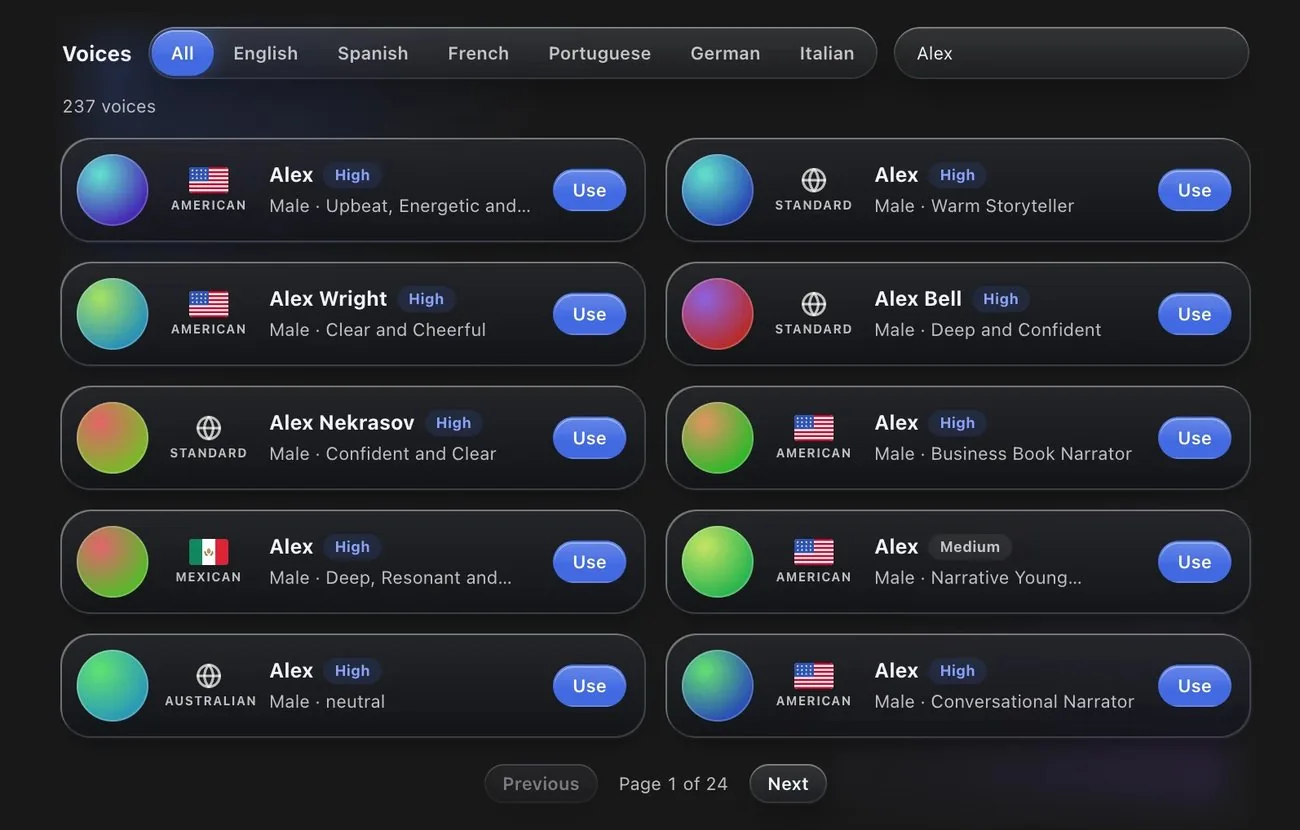
Calliope generates the narration with ElevenLabs voices and drops it into your workspace with word timings, so every cut and caption lands on a real word. When the scenes are right, your agent renders the video and checks the size, the sound and the frames of the result. Same template, new script: that is how the second short above was made.
Use it right
Use this to replicate a short's style, rhythm and structure, never to copy it. Rewrite the whole script in your own words and never reuse their footage, audio, music, names or logos. Downloading someone else's video gives you no rights over it, and following each platform's rules is on you.
The master prompt
Copy everything in the box. Paste it into your Claude or ChatGPT agent (it needs a shell or a sandbox), then send it one short link and your topic. We built and tested it with Claude. It uses Calliope's MCP and cloud workspace when they are connected; anywhere else it installs what it needs and tells you what it installed.
Connect Calliope once: MCP server https://www.calliopelabs.co/api/mcp with your API key (Dashboard, API).
<inputs>
Ask me for 1 to 3 links of shorts I want to clone, my topic (or pitch 3 topics, each with one true angle I can check), the language and the voice. If Calliope's connector is available, list its voices for my language and let me hear 3. Rights: references are inspiration. Keep their structure, rhythm and look, write every word new, and never reuse their footage, audio, music, names, logos or exact script. If I ask for a 1:1 copy, warn me about claims and offer a rewrite.
</inputs>

<direction>
A vertical 1080x1920, 30 fps animated short drawn in code with three.js: no image or video generation unless I ask. Measure the style on the reference frames, write a style card with numbers and show it.
- Characters: how many, shape (stickman, rounded toon), head to body ratio, outline colour and thickness, eyes, gestures. One parametric function draws every character, so each looks identical in every scene.
- World: set type, flat planes or real 3D, ground, props, background blur, light. Palette: 6 hex values sampled from the frames.
- Camera: slides, push-ins, orbits, distance per shot, seconds per move.
- Rhythm: number of cuts, average shot length, longest hold, what happens in the first 2 s and the last second.
- Subtitles: position, font look, size, how the spoken word is highlighted, words per group. First group visible on frame 0.
- Sound: voice style, music level under the voice, effects that land on cuts and reveals.
Keep everything important between 9% and 69% of the frame height: app interfaces cover the rest.
</direction>

<structure>
The new video keeps the reference's skeleton, never its words: same beat order (hook, rule or claim, proof, twist, escalation, payoff, call to action), same number of scenes within 10%, same share of time per beat. Write the beat map as a table: second, what we see, what moves, which spoken words land there. The voice sets the length (about 150 words a minute); if it runs shorter than planned, plan to the voice. Cuts fall in the gaps between words, at the reference's pace; the rest is camera moves.
</structure>

<build>
1. This assumes Calliope's connector (download_media, transcribe_media, workspace, save_template, delegate) and its cloud workspace. Read its docs first, TEMPLATE.md included when present: they win over this prompt on technical details. If it is not connected, tell me: it needs the MCP server https://www.calliopelabs.co/api/mcp and a key from the Dashboard, API section. Elsewhere, install Node, three.js, headless Chromium, FFmpeg and Python, and tell me what you installed.
2. Get the short with download_media (480p is enough, transcript included) and poll get_media. If it fails, do not loop: open the link in my browser, capture a frame every 2 s and ask me to paste the captions. Tell me what you could not see.
3. Analyze with what your host allows. With a shell: one contact sheet of 24 to 30 timestamped frames (6 columns, under 1900 px wide), then 1 s sheets around each cut, found with the FFmpeg scene filter at 0.3. Without one: transcribe_media frames returns stills of 1 to 8 chosen seconds per call. Read the transcript for beats. Write the style card.
4. Write the new script (Calliope takes 280 to 2700 characters) and a storyboard, one scene per idea, with the beat map. Show script, storyboard and the cost estimate (estimate_generation_cost), then wait for my OK.
5. On Calliope, create the code video with create_video: calliope_agent false, so you write the code, with my script and voice, from my template if I have one, otherwise with the downloaded video as a reference (Calliope then adds contact sheets and cuts under media/references: read them and fix the style card). It pauses at Waiting with the ElevenLabs narration and its word timestamps in the workspace. Plan every cut, caption and sound from those real times.
6. Build one project: a root index.html, one scene file per beat, captions and audio at the root, and a shared library with the character function, camera helper and palette. Every frame is a pure function of time.
7. Iterate in loops: render a 3 to 6 s mini scene at half size, take 6 frames, put them beside the reference frame of the same beat, change one thing, repeat, at most 3 passes per scene. On Calliope run the loops on the GPU: start it while you write the first scene, keep it alive while you iterate, release it when you stop.
8. Sound: a soft music bed 10 to 12 dB under the voice, effects on cuts and reveals, placed by measured peaks, each clip with an explicit duration. Make them in code or use sources I may use, and name them.
9. Render (on Calliope, render_project returns the MP4, frames, contact sheets and an audio report; show it with get_job). Verify size, fps, audio stream, loudness near -14 LUFS, clipping, and frames at 0 s, every cut and the end. Say what you could not check, such as how it sounds.
10. Make it reusable: write TEMPLATE.md (what each file does, what a new video regenerates, exact commands) and a setup script for installs, keep per-video content (script, shot list, caption words) in its own files, keep topic words out of the engine, then save_template, so the project lives in the cloud (elsewhere, a zip). The next video needs only a new script.
11. To spend less of your own quota, delegate concrete checks (cut-off characters, overlaps, timing against the transcript) to Calliope's read-only reviewers: one file and one question each, poll agent_result, apply the fixes yourself.
</build>

<gotchas>
- The final render runs offline: keep three.js, fonts and media as local files (assets/vendor), never CDN links. Create contexts with a literal getContext("webgl2") so the GPU is detected, set data-duration on the root, and drive everything from the seek time: no Math.random, Date.now or requestAnimationFrame.
- The GPU only speeds up 3D and WebGL, can be unavailable at peak and bills by the minute while on: flat HTML or SVG gains nothing there, so release it before text edits, and on the normal sandbox check 3D with a few snapshots, not full renders.
- Check that the render log says hardware gpu: renders limited by start and end time fall back to software, so make mini scenes short compositions rendered whole.
- Save before heavy runs: an out-of-memory kill drops unsaved files. Keep scratch images in snapshots or /tmp: any other file written to the project creates a revision and forces a new render.
- Every audio clip needs a timeline role (voiceover, music, sfx) and the captions host needs captions, or the render refuses the project.
- Name fonts in CSS and read the font report next call: missing families fall back silently.
- No 3D model packs come preinstalled: build props from primitives and characters as flat shapes with an ink outline.
- Scan the render for single-frame jumps and check each one is a planned cut.
- Look repeated words up by occurrence number, or cues land on the wrong line.
</gotchas>

<start>
Ask me for the links, my topic (or pitch 3), the language and the voice. Show me the style card, script, storyboard and cost before you spend anything.
</start>
FAQ
Does the prompt work with ChatGPT?
It is written for any agent that has a shell or a sandbox, so you can paste it into ChatGPT's agent too. We built and tested it with Claude.
Do I need Calliope to use it?
No. Without it the agent installs Node, three.js, a headless browser and ffmpeg and builds on your machine. Calliope adds the MCP downloader, a cloud workspace with an optional GPU, templates you can save and reuse, voices and reviewer agents.
Can I copy a short exactly?
No, and you should not. The prompt keeps the structure, the rhythm and the look, and writes every word new. Copying someone's footage, audio or script can get your video claimed or removed.
Make your own
Plan needed to test this in Calliope: Starter or above. Start at https://calliopelabs.co/?via=x
Take the whole guide with you
Replicate a short with your own agent: guide and master prompt (PDF, 4 pages). Same content, laid out to print or to keep on your phone while you build.
Keep reading
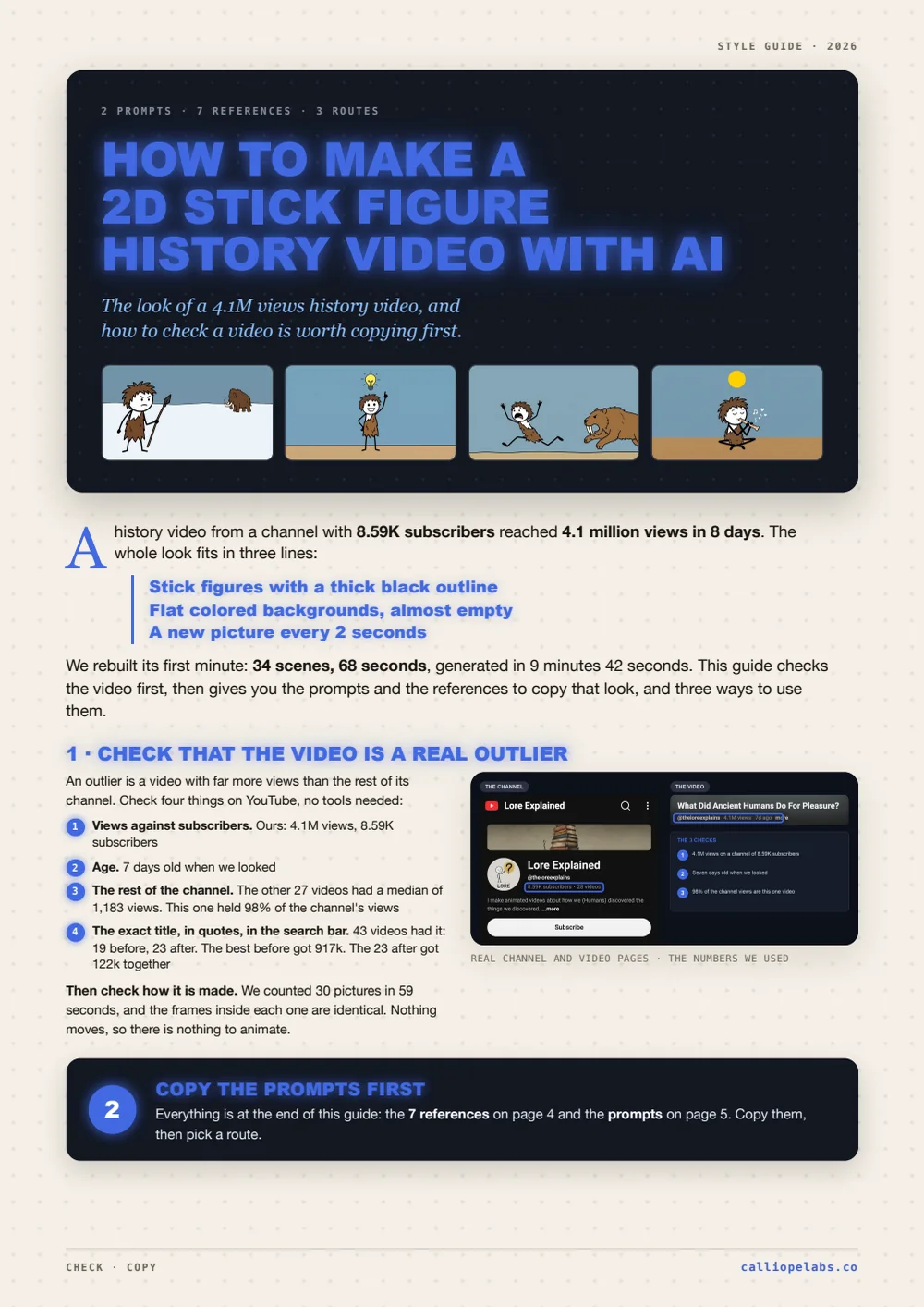
Make a 2D stick figure history video
A history video from an 8.59k subscribers channel hit 4.1M views in 8 days. Check an outlier, then copy its stick figure look with prompts and 7 references.
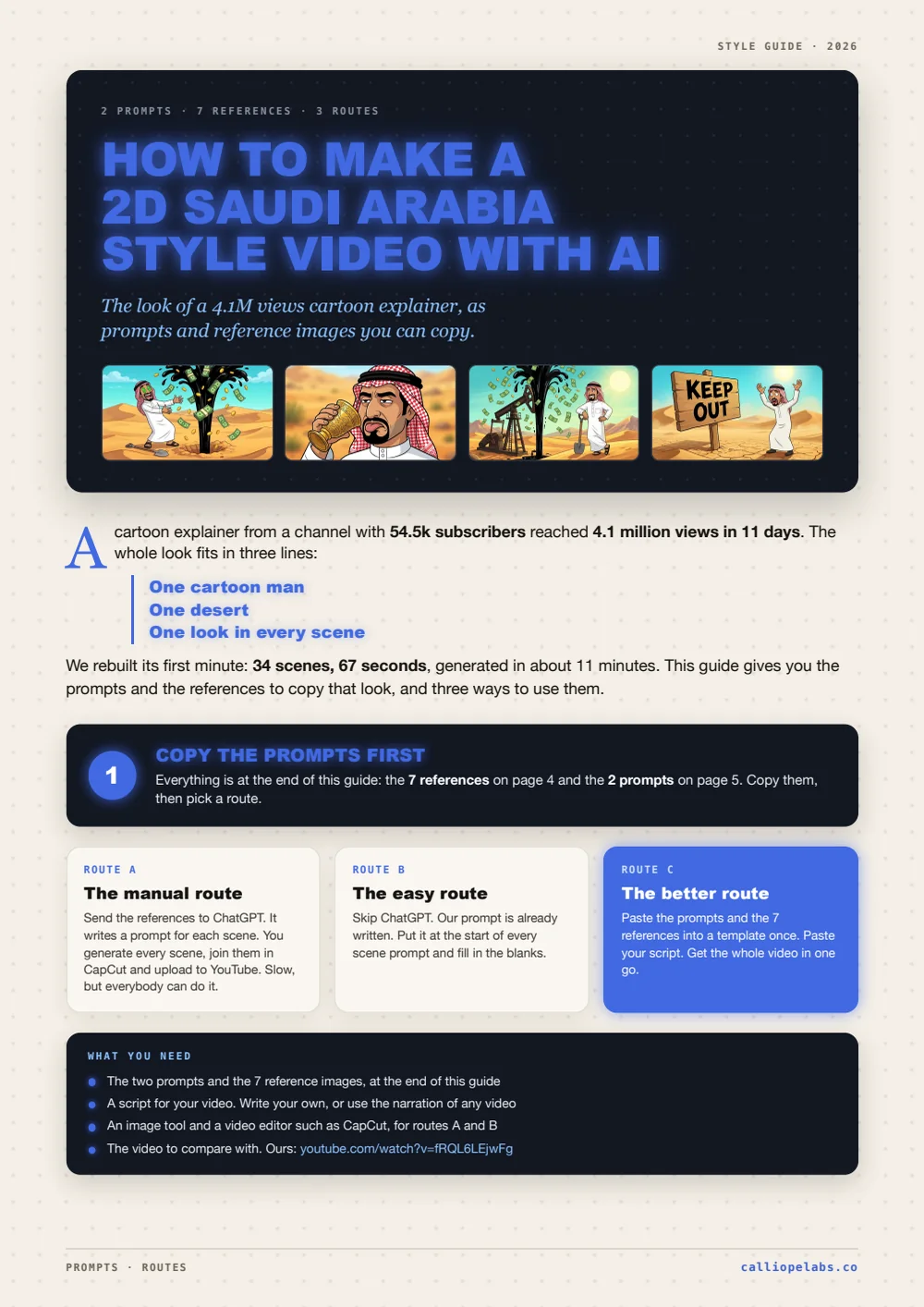
Make a 2D Saudi Arabia style video
A cartoon explainer reached 4.1M views in 11 days. Copy its look with two prompts and 7 reference images: by hand, with ChatGPT, or in one template.
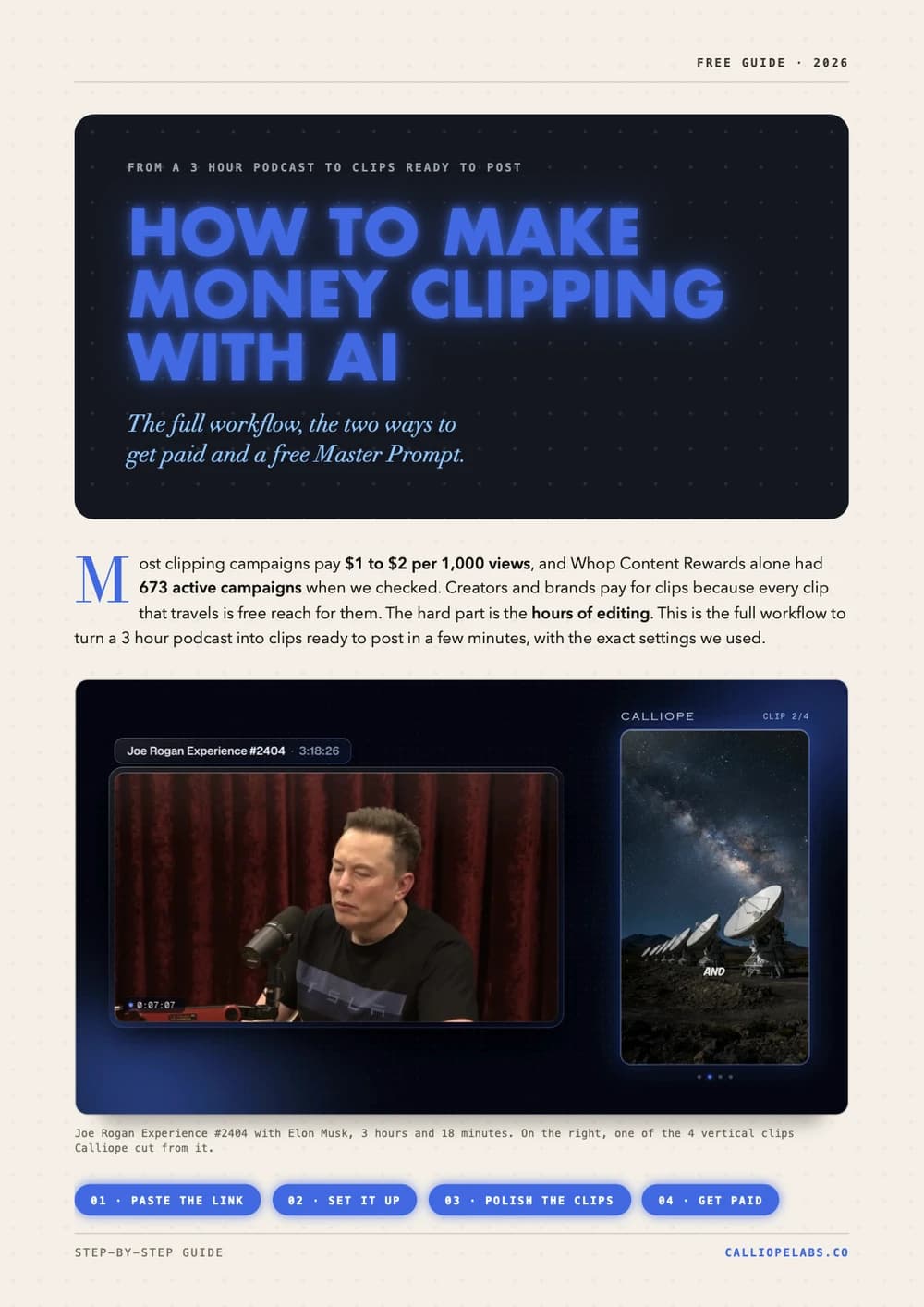
Make money clipping with AI
Turn a 3 hour podcast into vertical clips in minutes, find campaigns that pay $1 to $2 per 1,000 views, and copy a free Master Prompt for AI agents.
Make Vox style shorts with one prompt pack
The Image Prompt, the Video Prompt and a Master Agent Prompt that build the whole Vox style documentary collage template for you. Copy them verbatim.
Make a 2D viking video
A channel with 878 subscribers cleared 367,000 views in 13 days with one stick figure viking video. Clone the look, write your own script, generate.
Make a Simpsons style video
Lock the cartoon look with a reusable character sheet prompt, turn it into a template, and let Calliope shoot the whole thing.
Make an ancient humans video
Clone the look of a video that already works, turn it into a reusable template, and generate your own 2D animated history shorts.